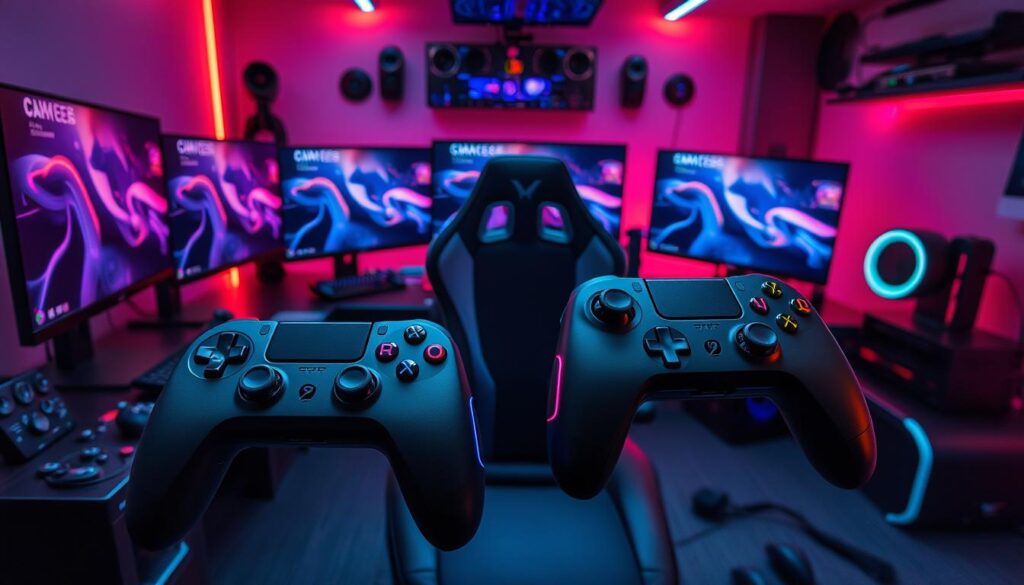
The gaming accessories that make the biggest difference are the ones you touch, see and hear for hours: a monitor that matches your graphics card, a comfortable headset with a clear microphone, a mouse that fits your hand and a keyboard you enjoy typing on. A good chair and desk set-up matters too if you play for long sessions. Upgrades such as virtual reality (VR) kit and RGB lighting are fun extras, but they won’t make you a better player on their own.
This guide explains what each spec actually does for you, so you can decide where to spend first. We haven’t tested specific models here. Each section describes what to look for and who it matters to.
Quick answers

- Upgrade first: the thing that annoys you most, whether that’s an uncomfortable headset, a laggy mouse or a blurry monitor.
- For fast competitive games: a high refresh rate monitor and a light, responsive mouse help most.
- For long sessions: comfort comes first: headset weight and clamp, chair support and desk height.
- Wired or wireless? Modern wireless mice and headsets are fine for most players. Wired avoids charging.
- Prices: these change often, so check the current price in the product box and on each maker’s site.
Monitors: refresh rate, response time and adaptive sync
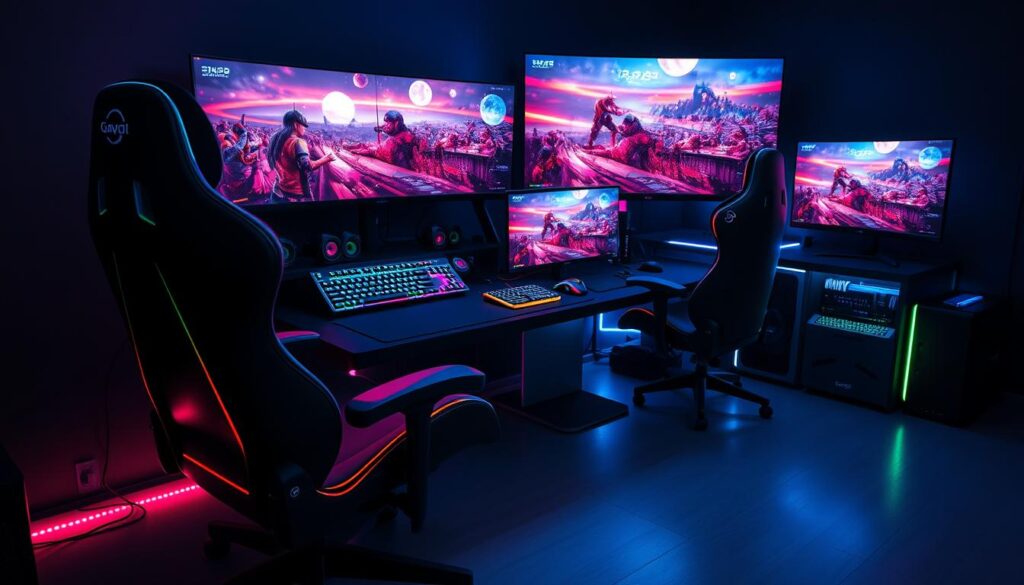
- Refresh rate (Hz): how many times a second the screen updates. A higher refresh rate, such as 144Hz or more, makes fast motion look smoother, which helps in shooters and racing games. Your graphics card or console needs to produce enough frames per second (fps) to benefit.
- Response time (ms): how quickly pixels change colour. Lower means less blur behind moving objects.
- Adaptive sync (G-SYNC, FreeSync): matches the screen’s refresh rate to your graphics card’s output, which reduces tearing and stutter. Check your card and monitor support the same standard.
- Size and resolution: a larger, higher-resolution screen shows more detail but needs a more powerful graphics card to run smoothly.
Who it matters to: anyone playing fast games on PC, or on a console that supports higher frame rates.
Headsets: sound, microphone and comfort
- Comfort: weight, padding and how tightly it grips matter most over a long session. Glasses wearers should check how the ear pads press on the frames.
- Microphone: a clear mic matters for team games and streaming. Look for a detachable or flip-to-mute mic.
- Surround or spatial audio: can help you hear where footsteps come from. Support depends on the game and platform.
- Noise cancelling: active noise cancellation (ANC) blocks out household noise, but adds cost and weight.
- Platform: some wireless headsets work only with PlayStation, Xbox or PC. Check the box before you buy.
Who it matters to: players in team games, streamers, and anyone playing in a noisy home.
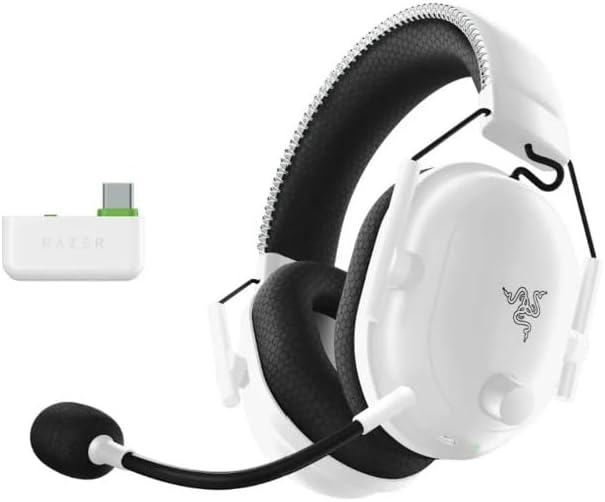
- HYPERCLEAR SUPER WIDEBAND MIC — By covering a wider frequency range of sound, this next-gen detachable mic captures an i…
- MULTI-FUNCTION AUDIO DIAL — Easily switch between adjusting overall volume or game/chat mix and get the right balance of…
- HYPERSPEED WIRELESS TECHNOLOGY — With its industry-leading 2.4GHz wireless connection, enjoy high-performance, low-laten…
The headset above is the Xbox version of Razer’s BlackShark V2 Pro, a wireless headset. It suits Xbox players who want a wireless headset. Check the listing for microphone and battery details. It’s a US listing, so check the UK version and that it matches your console before you buy.
Mice: sensor, weight and shape
- DPI (dots per inch): how far the cursor moves when you move the mouse. Most players use a moderate setting. A high maximum DPI matters less than a reliable sensor.
- Polling rate (Hz): how often the mouse reports its position to your PC. Higher rates can feel more responsive.
- Weight: lighter mice are quicker to flick, which some fast-shooter players prefer.
- Shape and grip: the most important factor. Pick a shape that suits how you hold it, palm, claw or fingertip.
Who it matters to: PC players, especially in shooters and strategy games.
Keyboards: switches and layout
- Mechanical or membrane: mechanical keyboards use individual switches that feel more precise. Membrane keyboards are quieter and cheaper.
- Switch type: linear switches feel smooth, tactile switches have a bump, and clicky switches make a noise. Try them if you can.
- Layout: a tenkeyless (no number pad) or smaller layout gives your mouse more room.
- Macros and lighting: programmable keys help in MMOs (massively multiplayer online games). RGB lighting is mainly about looks.
Who it matters to: PC players who also type a lot, and anyone short on desk space.
Controllers
- Compatibility: check it works with your console and PC. Some need an adapter or software.
- Back buttons and trigger stops: let you press more without moving your thumbs, which helps in competitive play.
- Comfort and battery life: matter more than extra features for long sessions.
Chairs and desk set-up
A chair with good lower back support and adjustable height helps you keep a comfortable position. The Health and Safety Executive’s (HSE) good posture guidance for screen users is written for work, but it applies to gaming too. It suggests the top of the screen level with your eyes, about an arm’s length away, the keyboard just below elbow height, and a seat back that gives good lower back support.
Virtual reality (VR) and augmented reality (AR)
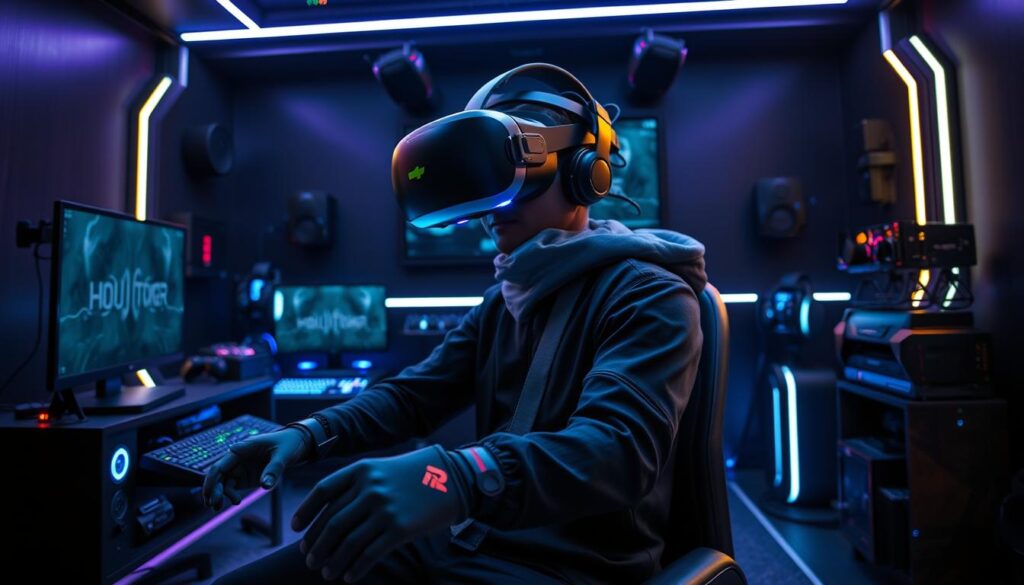
VR headsets put you inside the game, while AR overlays digital images on the real world. Standalone VR headsets don’t need a PC or console. If you’re considering VR, look at comfort, the games available on that platform and whether you have room to move safely. Our guide to AI and the metaverse covers headsets and accessories in more detail.
Frequently asked questions
What gaming accessory should I buy first?
The one that fixes your biggest problem. For most players, that’s a comfortable headset with a clear mic, or a monitor with a higher refresh rate.
Is a 144Hz monitor worth it?
For fast games on a PC or console that can run them above 60fps, yes, motion can look smoother. For slower games, it matters less.
Are wireless gaming mice good enough?
For most players, yes. Current wireless gaming mice are designed for low lag. Wired mice avoid charging.
Do I need a gaming chair?
No. Any chair with good back support and adjustable height can work. What matters is a comfortable, supported position.
For more ideas, see our guides to productivity gadgets for your desk and screen recording and streaming software. And to see the next generation of gaming kit, CES 2027 is on our tech events calendar.
Image credit: featured and in-article images from the AIDailyShift media library. Product images are supplied by Amazon.