
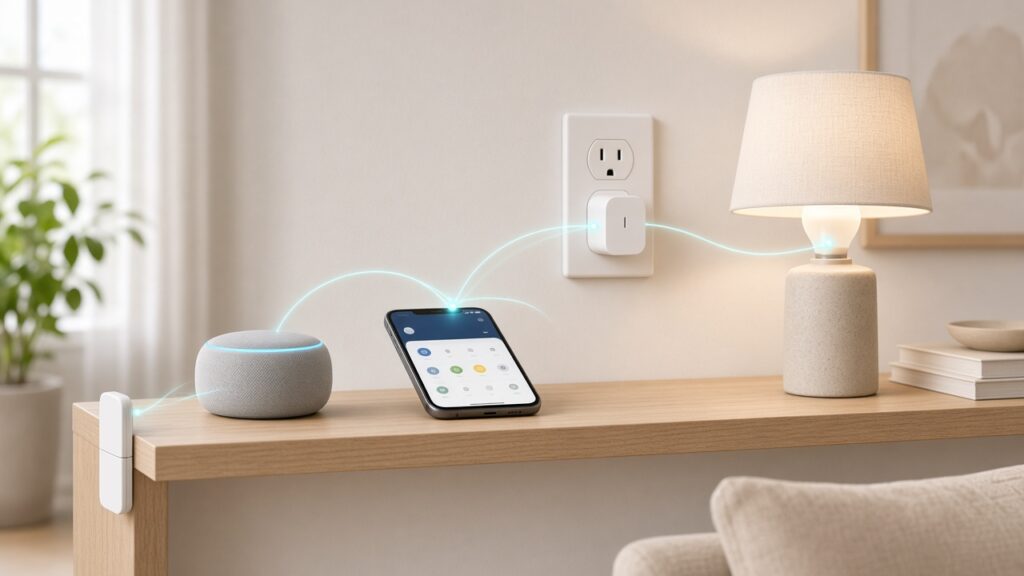

Matter is a shared language for smart home gadgets. A plug, bulb or sensor with the Matter logo can be set up and controlled from Apple Home, Google Home, Amazon Alexa, Samsung SmartThings or Home Assistant, rather than being locked to one brand’s app. Thread is one of the wireless networks Matter devices can use to talk: a low-power mesh that suits small, battery-powered things like sensors and door locks.
To start a Matter smart home you need three things: a Matter controller for the system you already use (often a smart speaker or display you may already own), a Matter device, and, if that device runs on Thread, a Thread border router, which is often built into the same speaker or display.
This guide explains each piece in plain English, then walks through your first device. If you just want the button-by-button pairing steps for each app, our step-by-step guide to setting up Matter devices covers those in detail.

What is Matter?
Before Matter, every smart home system spoke its own dialect. A bulb built for one assistant might not work with another, and each brand meant a different app and a different setup routine.
Matter is an open standard run by the Connectivity Standards Alliance (CSA), an industry group. The Thread Group notes that Amazon, Apple, Google and the CSA announced it together. The CSA says Matter is now deployed across Apple Home, Google Home, Amazon Alexa, Samsung SmartThings and Home Assistant, and supports more than 30 device types, from lighting and plugs to thermostats, locks, sensors, cameras and blinds (CSA).
For you, Matter promises three things:
- One setup method. Every Matter device uses a QR code or a numeric setup code. You scan it in your smart home app and the device joins your home.
- Choice. You can control the same device from more than one system. The CSA calls this multi-admin.
- Local control. Matter works over your home network, so devices can respond quickly and keep working at home if your internet drops. You still need an internet-connected controller at home to control things while you’re out (CSA Matter FAQ).
The CSA also says Matter uses authenticated setup and encrypted communication, and supports over-the-air updates.
Matter isn’t a new app or a replacement for the system you already use. Think of it as a common plug socket that lets devices from different makers fit the same home.
What is Thread?
Matter needs a network to run on. It can use your Wi-Fi, an Ethernet cable or Thread.
Thread, managed by the Thread Group, is a wireless mesh network designed for smart home devices. Mains-powered Thread devices can pass messages along to each other, so the network reaches further as you add devices, and messages can find another route if one device drops out. Thread also uses much less power than Wi-Fi. The Thread Group says this means battery sensors “can last for years” (Thread Group FAQ).
A useful rule of thumb from the CSA:
- Wi-Fi suits devices that move lots of data or are always plugged in: cameras, TVs and appliances.
- Thread suits small, low-power and battery devices: sensors, door locks, switches and some bulbs.
- Bluetooth is used only during setup, to introduce a new device to your network.
What is a Thread border router?
A Thread border router connects your Thread devices to the rest of your home network, a bit like your Wi-Fi router does for laptops and phones. Without one, a Thread device has no way to talk to your app or voice assistant.
You may already own one. Apple lists the HomePod mini and Apple TV 4K (3rd generation, Wi-Fi + Ethernet) as Thread-enabled home hubs (Apple Support). Amazon says its Thread-enabled Echo and eero devices have border routers built in (Amazon), including the Echo (4th Gen). Google keeps its own list of compatible Nest devices in the Google Home help centre.
Since Thread 1.4, the Thread Group says border routers and devices from different brands are designed to recognise and share one network rather than each creating their own. That should make mixed-brand homes more reliable as brands roll it out.

- [Multi-Protocol Hub with Matter Bridge] The matter hub M3 is a versatile hub supporting Aqara Zigbee and Thread devices….
- [Edge Compatibilities and Local Automations] The smart hub M3 serves as an Edge Hub, prioritizing local control and auto…
- [Smart IR Blaster with Feedback and Learning] The 360°IR blaster not only sends commands but also provides accurate stat…
If you want one hub that isn’t tied to a speaker, the Aqara Hub M3 above is an example: Aqara says it works as both a Matter controller and a Thread border router (Aqara). It’s not essential if you already have a compatible speaker or Apple TV.
Do you need a new hub for Matter?
Often not. Check what you already have before buying anything. In Matter, the “hub” is called a controller, and you need one for each system you want to use. Google puts it plainly: “Each app requires their own device that works as a hub for Matter with that app” (Google Home Help).
- Apple Home: with iOS 18 or later, an iPhone can add and control Matter accessories without a home hub, but Apple recommends a HomePod or Apple TV as a home hub for the best experience, including remote control and automations (Apple Support).
- Google Home: you need a Matter-enabled Google hub, such as a compatible Nest speaker or display. Google also lists IPv6 switched on in your home Wi-Fi router as a requirement.
- Amazon Alexa: you need a compatible Echo. Amazon suggests installing a new Matter device within about 9 metres (30 feet) of it (Amazon).
If you’re starting from scratch, pick the system that suits the phones and voice assistant your household already uses, then choose a controller that also includes a Thread border router. That covers both Wi-Fi and Thread devices from day one. Our explainer Do you need a smart home hub? goes into more detail.
How to start a Matter smart home: step by step
- Choose your main system. Apple Home, Google Home and Alexa are the easiest starting points for most people. SmartThings and Home Assistant suit people who want more control.
- Check your controller. Look up whether a speaker, display or hub you already own is a Matter controller and a Thread border router. Each company keeps a list on its help pages.
- Update everything. Install the latest software on your phone, your smart home app and your controller. Matter support often arrives through updates.
- Buy one Matter device to start. A smart plug or bulb is a cheap, low-risk first step. Check the box for the Matter logo and whether it uses Wi-Fi or Thread, and check that your system supports that device type.
- Keep the setup code safe. The QR code is usually on the device and in the box. Take a photo of it before you fit the device somewhere awkward, because you may need it again if you reset the device.
- Add the device. Turn on Bluetooth, power up the device, open your smart home app and choose Add Device (in Apple Home, Add Accessory). Scan the QR code or type the setup digits, then follow the on-screen steps.
- Name it and put it in a room. Pick a name that’s easy to say, such as “Lounge lamp”, so voice control works first time.
- Share it with a second system if you want. With multi-admin you can link the same device to another app, so one person can use Siri and another Alexa. In Google Home, for example, this lives in the device’s settings under “Linked Matter apps & services”.
For a first device, a Matter-certified Wi-Fi plug is the simplest choice, because it doesn’t need a Thread border router. The Tapo P110M below is one example: TP-Link lists it as Matter-certified, 2.4GHz Wi-Fi only, with energy monitoring in the Tapo app (TP-Link). This is the US version; in the UK, buy a UK-plug model.

- 【Matter-Certified】Matter-certified devices, regardless of brand, can work together and are compatible with most major sm…
- 【Insightful Energy Tracking】 Monitor your energy consumption with in-depth statistics and clear visuals, helping you opt…
- 【Estimate Your Energy Bill】 Enhance energy management by integrating with billing systems for clear cost visualization (…
What about the smart home devices you already own?
Many older devices won’t work with Matter unless the maker releases an update, and that depends on the hardware. The CSA says some products are being updated directly, and others through the bridge or hub they connect to. Zigbee and Z-Wave devices can join a Matter home through a Matter-capable bridge, but there’s no direct link between Zigbee and Matter devices.
So there’s no need to replace things that work. Add Matter devices as you replace or expand, and check the maker’s website for update news.
Frequently asked questions
Is Matter the same as Thread?
No. Matter is the language devices speak. Thread is one of the networks they can speak over. A device can be Matter over Wi-Fi or Matter over Thread.
Do Matter devices need the internet?
Not for control at home, because Matter runs locally. For control while you’re out, the CSA says you need an internet-connected controller, such as a smart speaker or hub, at home.
Can I use Matter with Apple, Google and Alexa at the same time?
Yes. Multi-admin lets one device work with several systems, as long as each system has its own controller in your home.
Will Matter work with my Zigbee devices?
Only through a bridge. Zigbee and Thread use similar radios, but they’re different protocols, so a Zigbee device needs a Matter-capable bridge to appear in a Matter app.
Your first move
Before you buy anything, check whether a speaker, display or hub you already own is a Matter controller and Thread border router. If it is, buy one Matter smart plug, set it up with the QR code and see how it feels. If it isn’t, pick one controller with a built-in border router for the system you already use, and build out from there.
Next steps: our beginner’s guide to setting up a smart home covers choosing an ecosystem, our best smart home hub guide compares controllers, and our Tapo smart plug review looks at plugs in more depth. If you want to see the newest Matter kit in person, smart home shows such as ISE 2027 in Barcelona in February are on our tech events calendar.
Written by The AIDailyShift Team. Facts checked against the official sources linked above on 15 November 2026.
Image credit: featured image is an illustrative AI-generated image created for AIDailyShift.
As an Amazon Associate, AIDailyShift earns from qualifying purchases.
Disclosure: Some links on this page are affiliate links. If you buy through them, AIDailyShift may earn a small commission at no extra cost to you. We only recommend tools we would use ourselves. Read our Affiliate Disclosure.
